
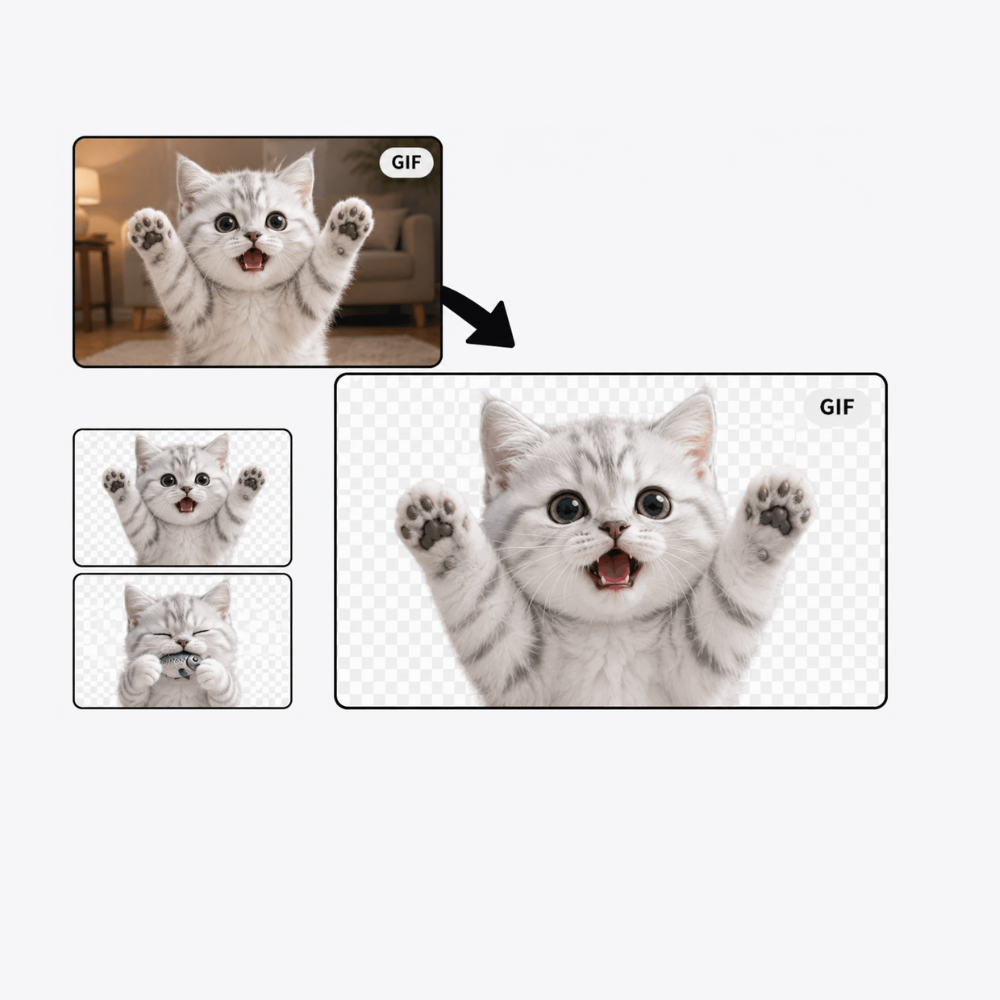
Free Remove Background from GIF
Use this GIF background remover to remove background from any animated GIF in one click. The latest free gif background remover online — no sign-up required.
How to Remove Background from GIF
3 simple steps — no account needed
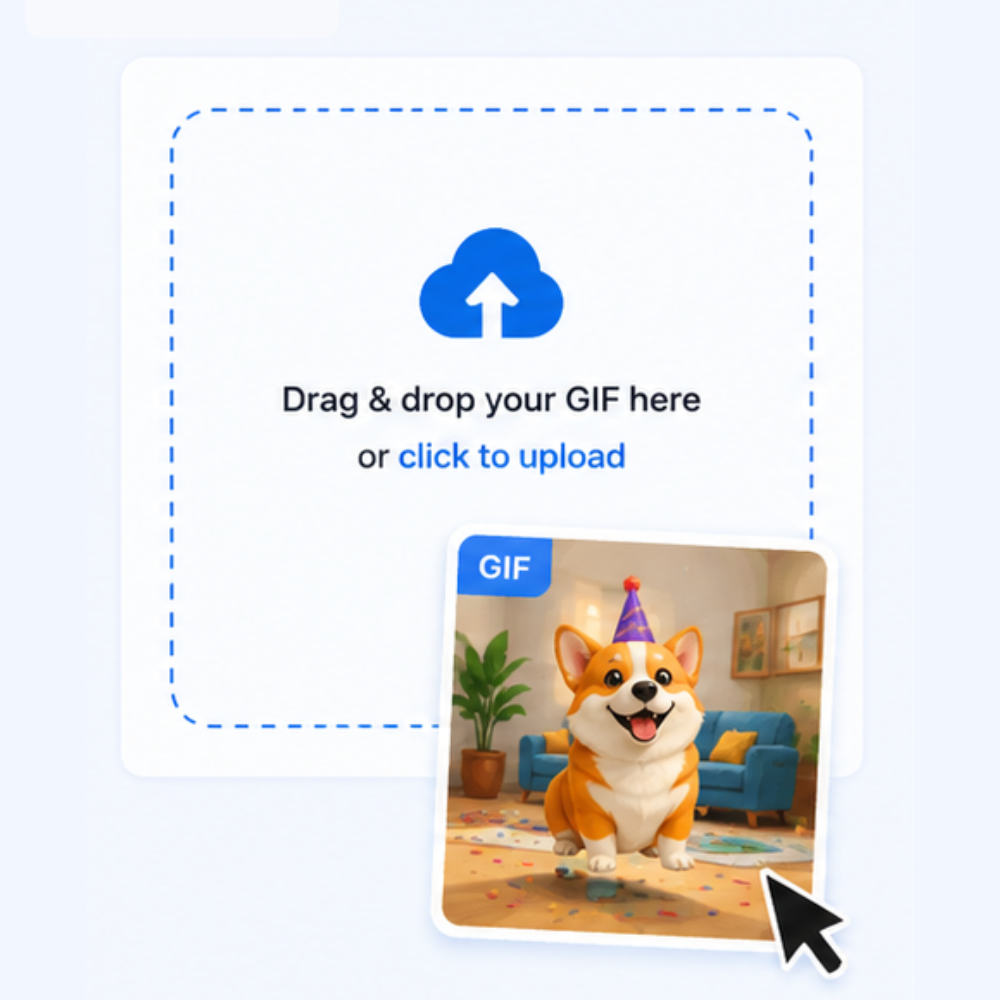
Upload Your Animated GIF
Drop any animated GIF file (up to 25 MB). Our gif background remover accepts all standard animated GIF files — no sign-up required.
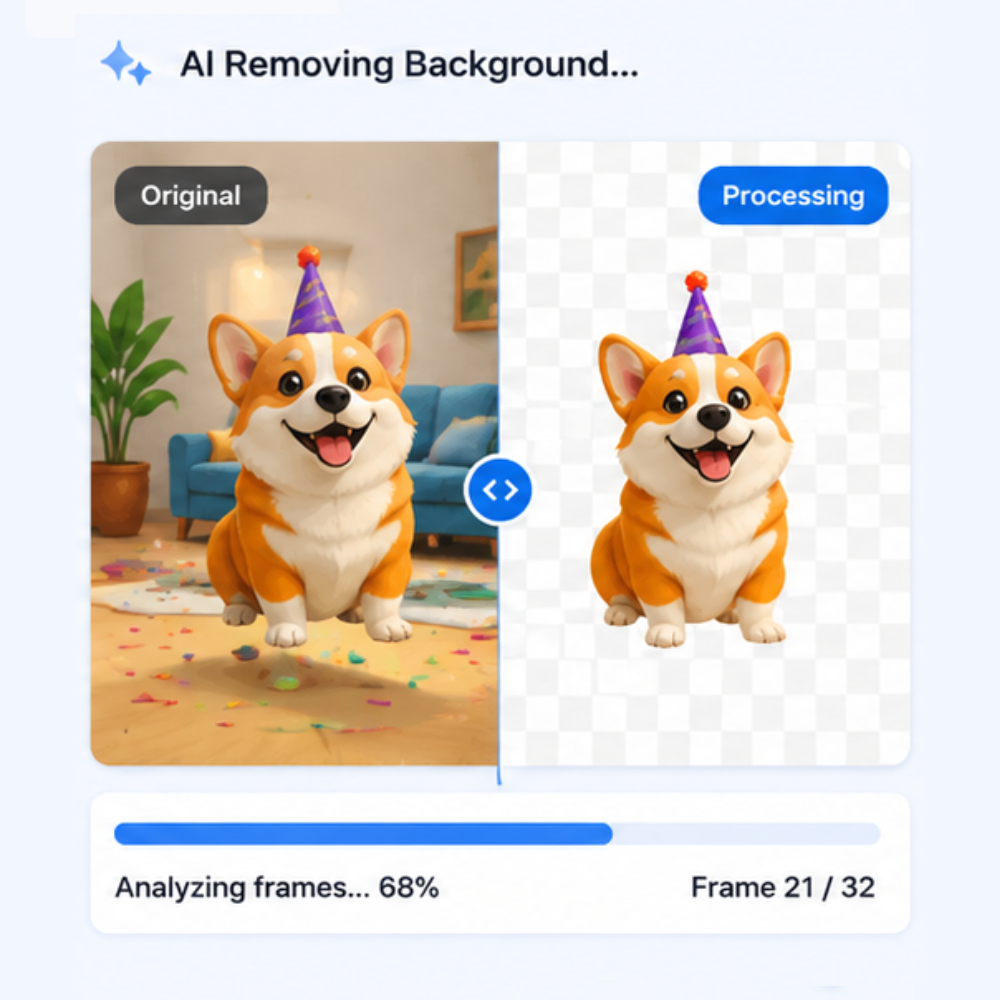
AI Removes Background from Every Frame
Our model automatically processes each frame, removing the background with precise edge detection while preserving the full animation sequence.
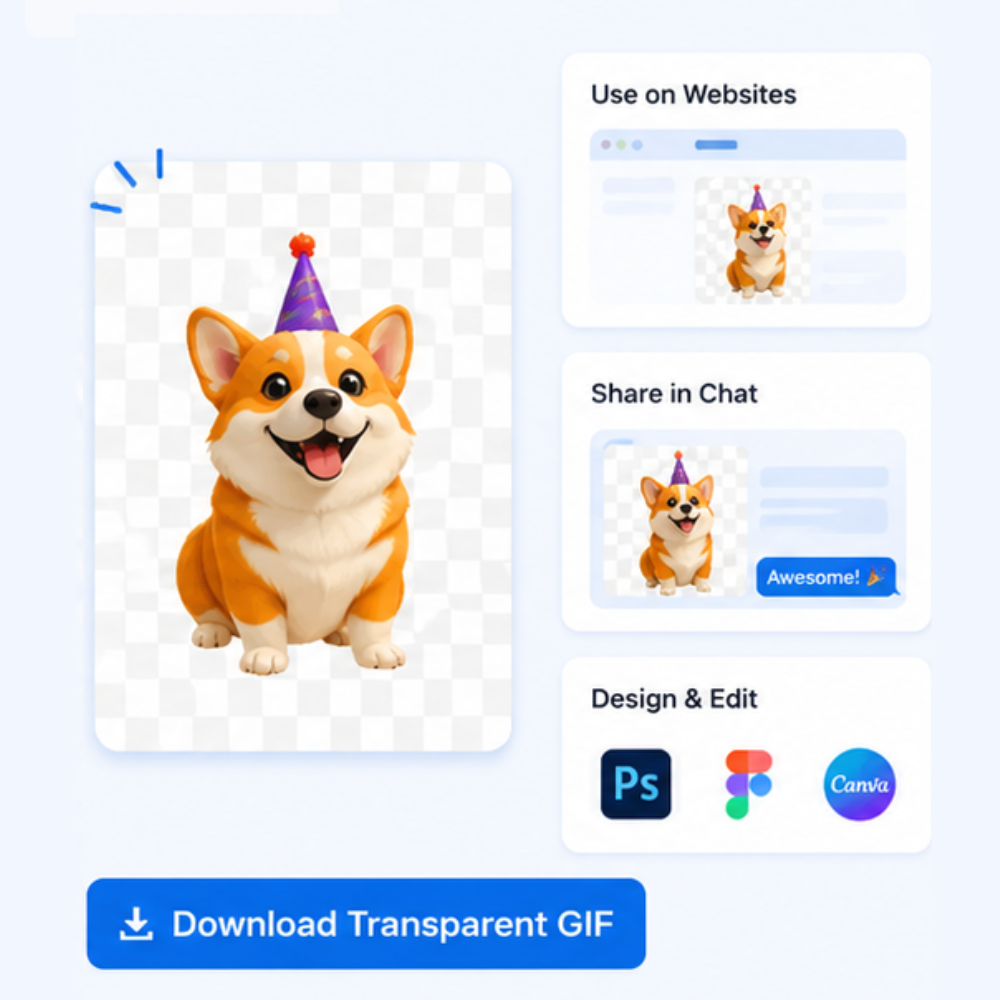
Download Your Transparent GIF
Get a clean transparent GIF instantly — or choose a solid color or custom image as the new background. Watermark-free, full quality, every time.
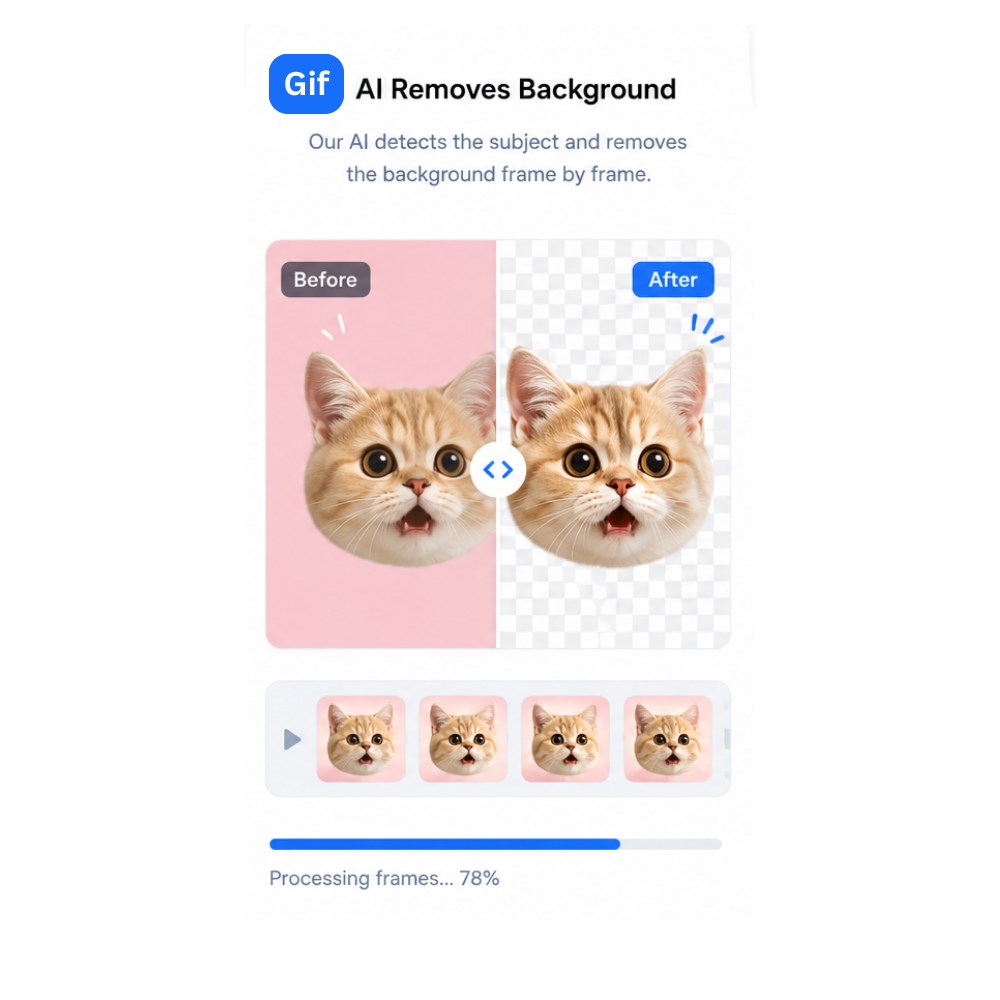
AI GIF Background Remover That Gets Every Frame
Unlike basic tools that only handle static images, our GIF background remover processes every single frame of your animation with the same precision AI. When you remove background from GIF files using our tool, the result is a perfectly looping transparent GIF where the subject stays sharp and the background vanishes completely — no ghosting, no flickering, no frame-by-frame errors.
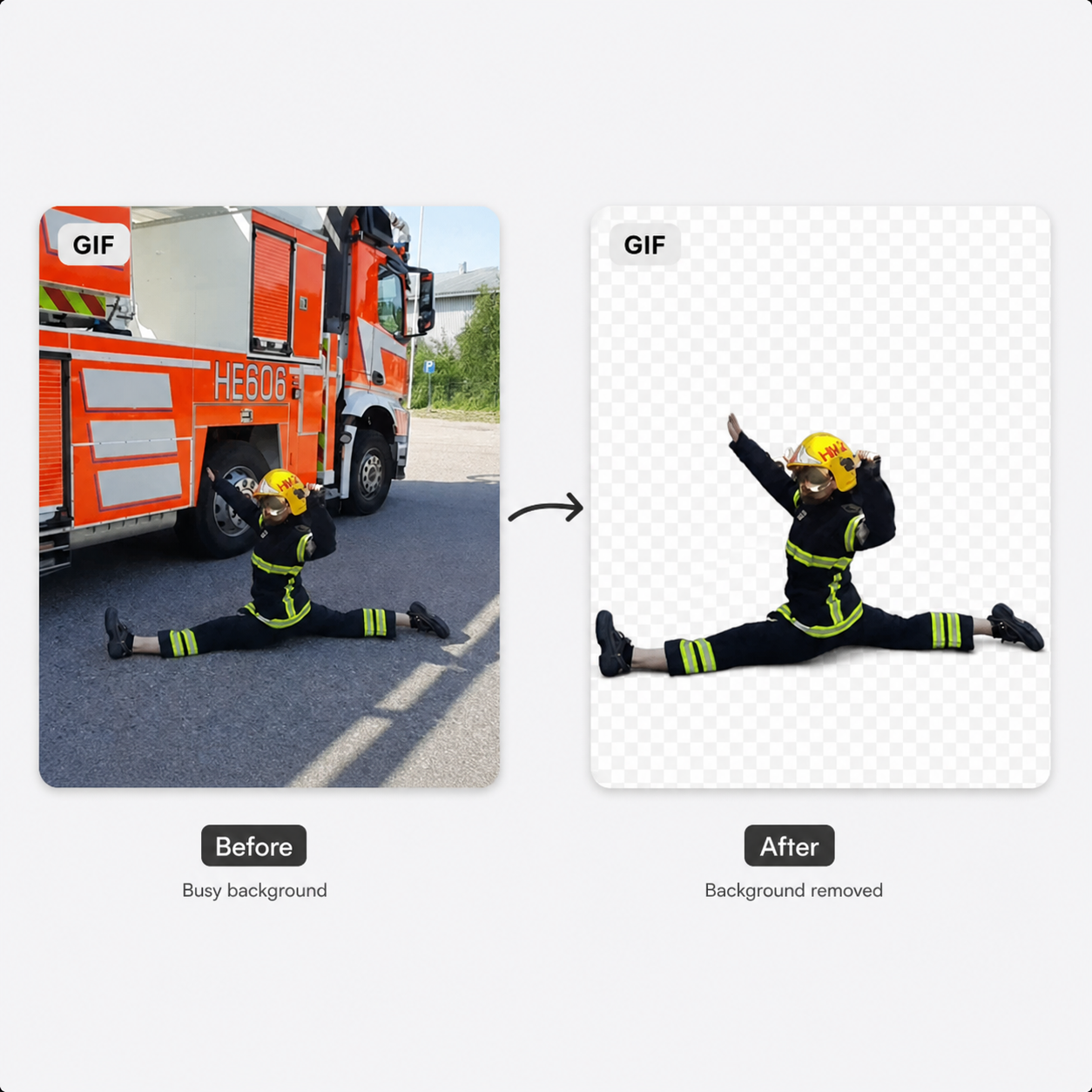
Remove Background GIF — Keep the Animation, Lose the Clutter
Whether you're making animated stickers, product demos, or social media GIFs, our tool makes it simple to remove background from GIF files of any kind. Upload your file, wait a few seconds per frame, and download a clean transparent GIF ready to use in any app, website, or messaging platform — no Photoshop required.
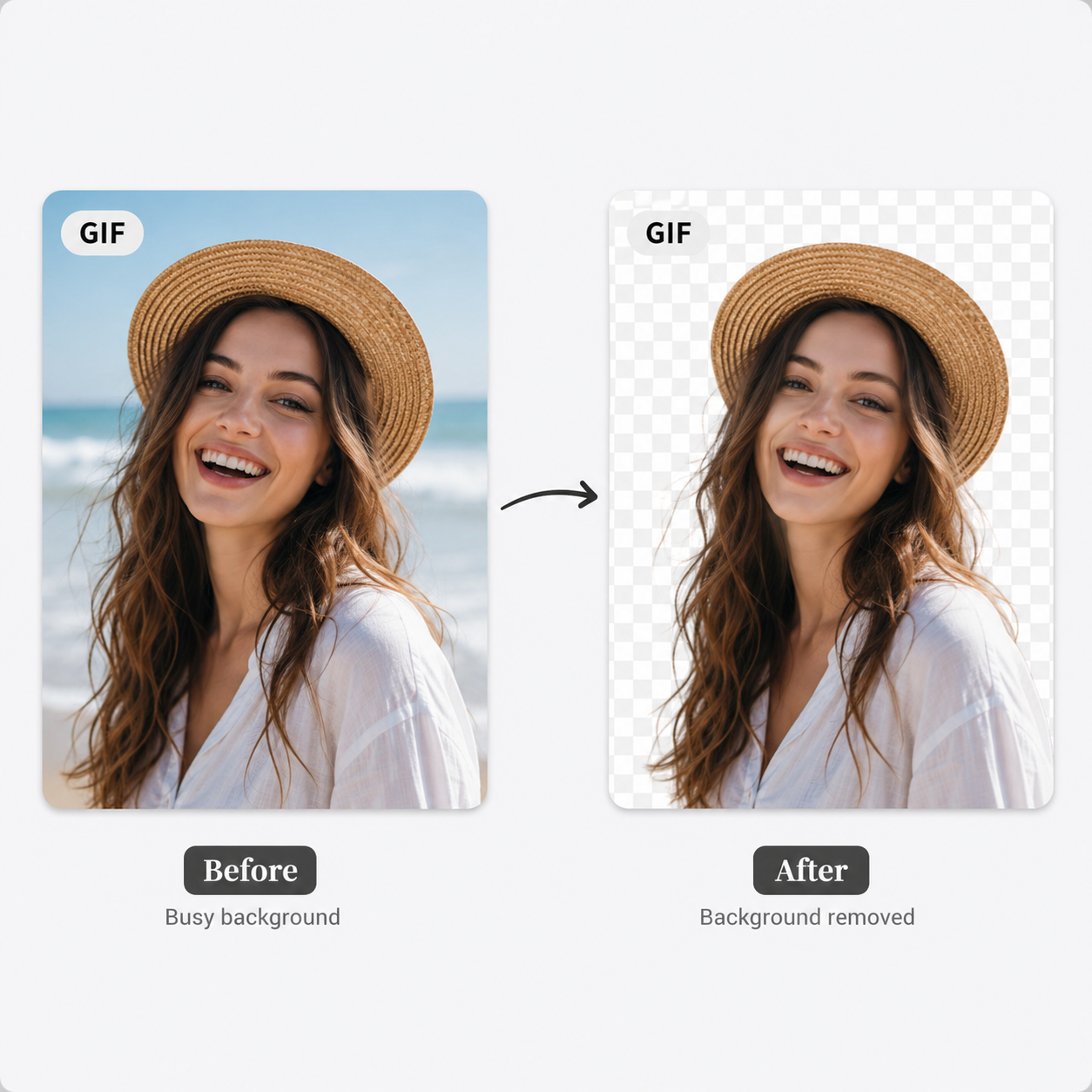
Export Transparent or Custom Background GIF — No Watermark
After our gif background remover finishes processing, you can export with a transparent background, set a solid color, or swap in a completely new background image. Every download is watermark-free and full quality — the cleanest gif background remover output you'll find online, completely free.
Who Uses This GIF Background Remover?
From meme creators to e-commerce brands — remove background gif for any use case
Meme Creators
The gif background remover is a must-have for meme makers. Cut your subject out of any GIF and drop it onto a new scene, a reaction clip, or a viral template. Want to remove background from GIF memes in seconds? Just upload, let the AI process every frame, and post your layered loop.
Social Media Creators
Remove background from GIF files to create scroll-stopping content for Instagram Reels covers, TikTok thumbnails, Twitter posts, and Discord server assets. When you remove background from GIF clips, a transparent animation layers perfectly over any brand template — making your posts stand out without extra editing software.
Animated Stickers & Emojis
Turn any GIF clip into a transparent sticker for WhatsApp, Telegram, Discord, or Giphy. Our gif background remover processes every frame so the animation stays smooth and the background disappears completely — no fringe, no artifacts, ready to share.
E-Commerce Product GIFs
Animated product demos convert better than static images. Remove background from GIF product clips and place your item on a clean white, brand-colored, or lifestyle background — instantly more professional for Amazon, Shopify, or Etsy listings. No design skills required.
Designers & Motion Artists
Remove background from GIF assets to use as layered elements in After Effects, Canva, Figma, or web animations. Stop manually rotoscoping frame by frame — upload your GIF, let the AI handle the masking, and download a transparent result ready to drop into any composition.
Streamers & Gaming Content
Streamers use transparent animated GIFs as overlays, alerts, and on-screen effects. Remove gif background from character clips, game footage snippets, or reaction cams and use them as lightweight animated overlays in OBS, Streamlabs, or any broadcast tool.
Marketing & Brand Teams
Brand marketers need clean animated assets fast. This gif background remover lets your team strip backgrounds from animated GIFs and repurpose them across email campaigns, landing pages, digital ads, and presentation decks — no design agency required.
Web & App Developers
Transparent animated GIFs are lightweight and universally supported. Use our gif background remover to prepare transparent loop animations for website hero sections, loading indicators, onboarding flows, and UI micro-interactions — without the file size overhead of video formats.
GIF Background Remover — Frequently Asked Questions
Everything you need to know about how to remove background from GIF files.
Is this GIF background remover free?
Yes, completely free. You can remove background from gif files without creating an account or paying anything. No watermarks are added to your downloads.
How does the GIF background remover work?
Our tool decodes your animated GIF into individual frames, runs each frame through our AI background removal model, then re-encodes all frames back into a GIF with the backgrounds removed.
How long does it take to remove background from a GIF?
Processing time depends on the number of frames. Most GIFs finish in under a minute. A 10-frame GIF typically takes around 10–20 seconds.
Can I remove background gif with a custom background?
Yes — after the gif background remover finishes processing, you can replace the transparent background with a solid color or upload your own background image before downloading.
What GIF file size is supported?
You can upload animated GIF files up to 25 MB. The gif background remover works entirely in your browser — your files are never uploaded to any server.
What file formats does the GIF background remover support?
Our gif background remover supports the standard animated GIF format (.gif). The output can be downloaded as a transparent GIF, or as a GIF with a solid color or custom image background.
How do I get the best results when removing background from a GIF with a complex background?
For best results when you remove background gif files, use GIFs where the subject has clear contrast against the background. Animated GIFs with a single moving subject and a relatively static background produce the cleanest transparent output.
Is my data safe? Does this GIF background remover store my uploaded files?
Your files are safe. Any GIF you upload to our gif background remover is automatically deleted within a few hours. We do not share or sell your data.
Can I use this GIF background remover on iPhone or Android?
Yes. The gif background remover works on any modern browser including Safari on iPhone and Chrome on Android. No app download is required — just open the page and remove background gif directly on your mobile device.
Ready to Remove GIF Background?
Free AI GIF background remover — no sign-up, no limits.